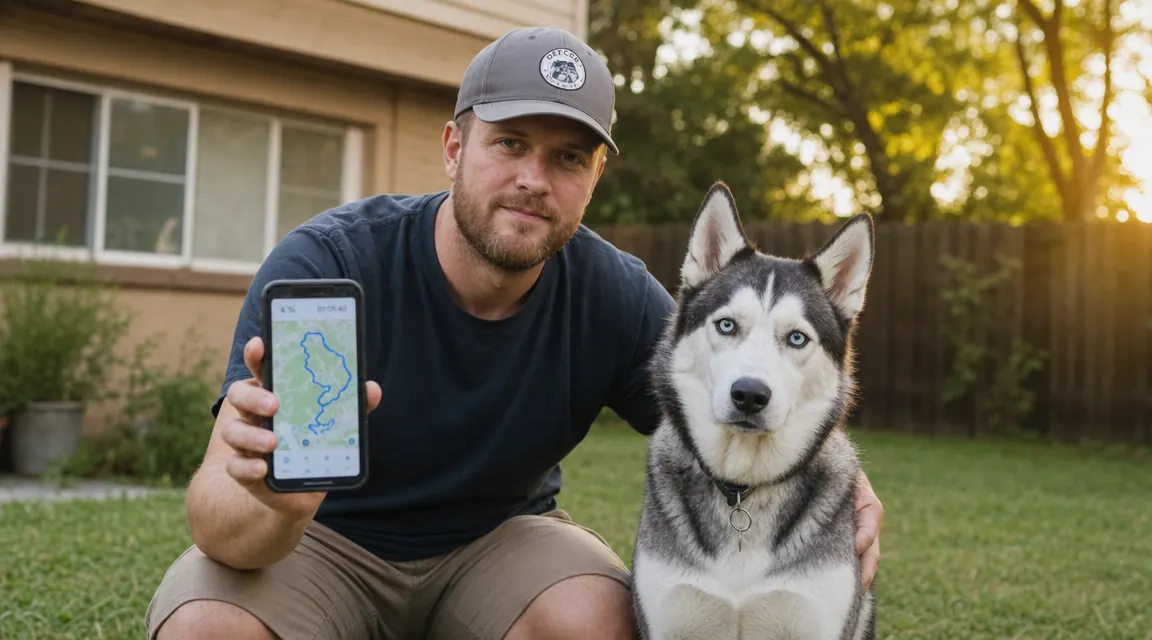
I got Loki, my husky, when he was eight weeks old. By the time he was one year old he had slipped out of three different collars, figured out two gate latches, and once made it three blocks before a neighbor grabbed him. That was the year I stopped wondering if I needed a GPS tracker and started wondering why I had waited so long. If you are at that same moment right now, the good news is that getting live GPS tracking running on your dog is genuinely fast. The Tractive GPS Dog Tracker, which I use and recommend, takes less than ten minutes from unboxing to seeing a real-time dot on your phone. Here is exactly how to do it.
Before we get into steps, one thing worth saying plainly: cellular GPS trackers like the Tractive require a monthly subscription because they use your dog's location over a cell network to send updates to your phone. The tracker hardware itself costs around $79, and plans start at roughly $5 per month billed annually or $13 month-to-month. There is no way around it, and any guide that glosses over this is doing you a disservice. That said, for a dog like Loki, it is the single best money I spend on him. With that context in mind, let's walk through the setup.
Your dog is not tracked yet. Every minute counts if they bolt.
The Tractive GPS Dog Tracker sets up in minutes and sends your dog's live location to your phone every 2 to 3 seconds when you activate Live Tracking mode. Check today's price on Amazon and get free returns if it is not the right fit.
Amazon Check Today's Price on Amazon →Step 1: Pick the Right Collar Attachment Before You Order
The Tractive GPS tracker attaches to your dog's existing collar rather than replacing it. This is worth knowing before you order because the tracker needs a collar that is at least 3/4 inch wide and no wider than 1.25 inches to clip on securely. If your dog uses a rolled leather collar or a very thin nylon slip lead, you may need a flat nylon collar as a dedicated tracker collar. I keep a simple 1-inch nylon collar on Loki just for the tracker and leave his fancier collar for walks where I want him to look less like a search-and-rescue dog.
Collar fit also matters for accurate vital-signs monitoring if you plan to use that feature. The tracker's motion sensor should sit on top of the collar, roughly at the back of the neck or between the shoulder blades for large dogs. For small dogs under 20 pounds, keep an eye on the weight: the device weighs about 35 grams, which is manageable for most medium and large breeds but worth considering for a ten-pound terrier. Tractive does list a minimum weight recommendation of 8.8 pounds on the product page.
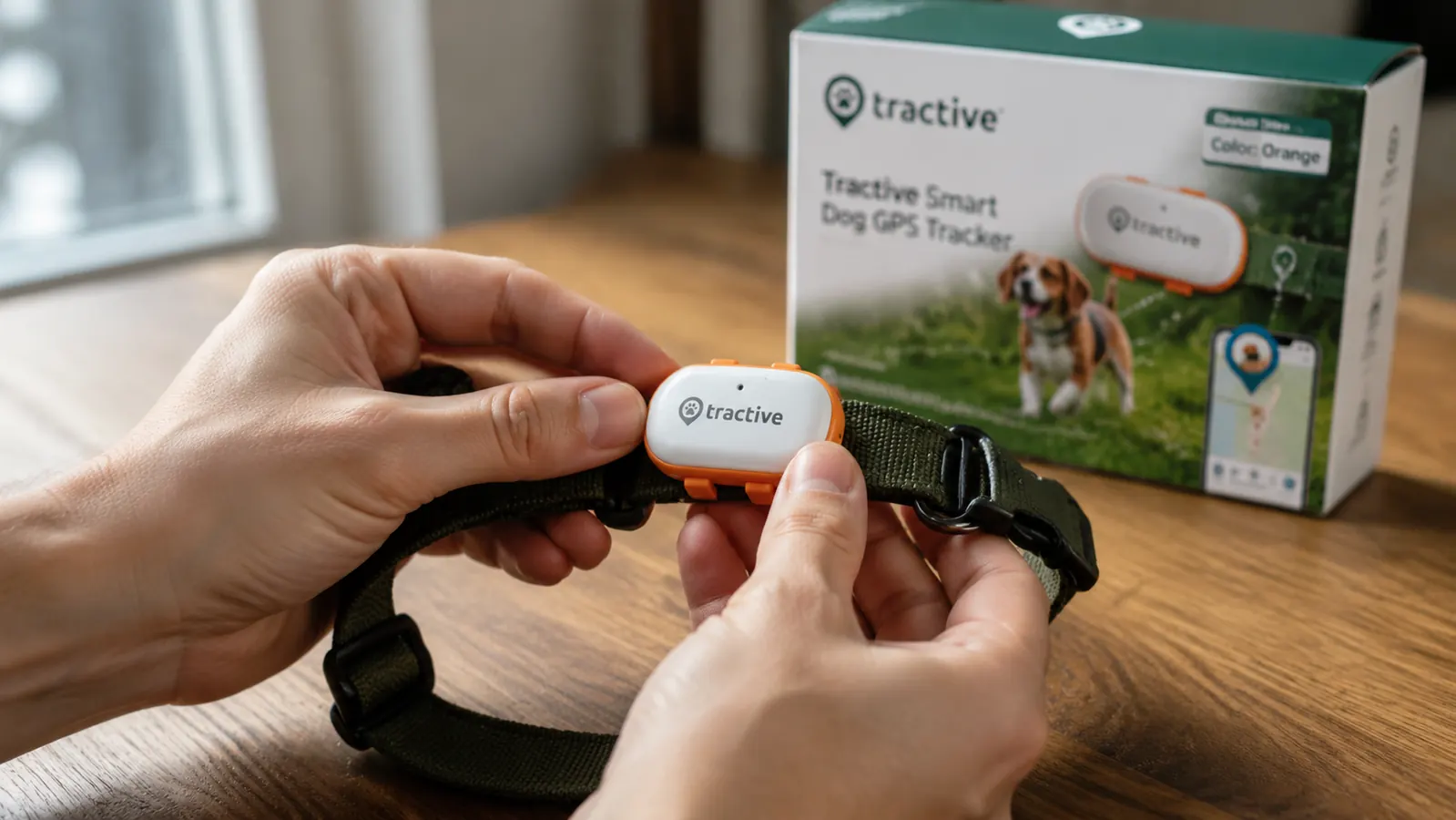
Once you know your collar is suitable, grab the tracker from the box. Inside you will find the GPS unit, a USB-C charging cable, and a set of attachment loops sized for different collar widths. Thread the collar through the two slots on the tracker body until it clicks snug. Give it a firm tug. It should not slide.
Step 2: Charge the Device and Download the App
Plug the tracker into any USB-C charger. A solid orange LED means it is charging. A solid green LED means it is full. In my experience the tracker ships with a partial charge, so you can often skip a full charge and just top it off for 20 to 30 minutes while you handle the app setup. Tractive's stated battery life is between 2 and 7 days depending on how frequently you use Live Tracking mode. Normal daily use with the default 3-minute position update interval lands most owners closer to 5 days.
While it charges, download the Tractive GPS app on iOS or Android. Create an account if you do not have one. The app will immediately prompt you to add a device. Tap that prompt and follow the pairing flow. You will scan a QR code on the bottom of the tracker or enter the device ID manually. The app walks you through the whole sequence step by step and handles the subscription activation during this process, so have a payment method ready.
Step 3: Activate the Subscription
Here is where people sometimes pause. The app presents plan options, and it is worth spending a minute on this rather than just tapping the default. Tractive's annual plan works out to roughly $5 per month and saves you about 60 percent compared to month-to-month billing. If you are not sure you will keep it, the monthly plan gives you flexibility. There is also a family plan that covers multiple trackers at a slight discount if you have more than one dog or want to add a cat tracker later.
Once you select a plan and confirm payment, the app activates the SIM card inside the tracker over the air. This usually takes 30 to 90 seconds. When the tracker's LED blinks blue steadily, it has found a cellular signal and is connected. If you are indoors with thick walls, you may need to move near a window or step outside for the initial connection. After that first handshake, the tracker reconnects automatically in the background.
Step 4: Fit the Tracker on Your Dog and Verify the Live Position
Before you put the tracker on your dog, take it outside for a quick test. Open the app, tap your device, and watch the map. You should see a position marker appear within about 30 seconds of stepping outside. The dot may shift by 3 to 10 feet as GPS satellites lock in, which is normal. This is cellular-assisted GPS, meaning it triangulates using cell towers first for a fast fix and then refines with satellite data for accuracy. In open suburban areas I typically see Loki's position accurate to within about 15 feet.
Now clip the tracker onto your dog's collar. Tractive recommends it sits high on the collar rather than dangling below the chin, where it could catch on brush or get wet easily. The two-finger rule for collar fit applies here too: slide two fingers under the collar and tracker together. Snug but not tight. If your dog tolerates a bandana or harness accessory without fussing, they will barely notice the tracker's weight after a day or two.
The first time I tapped Live Tracking and watched Loki's blue dot move in real time across the backyard while I stood at the kitchen window, I felt something I can only describe as relief I did not know I was missing.
Step 5: Set Up Your Safe Zone (Virtual Fence)
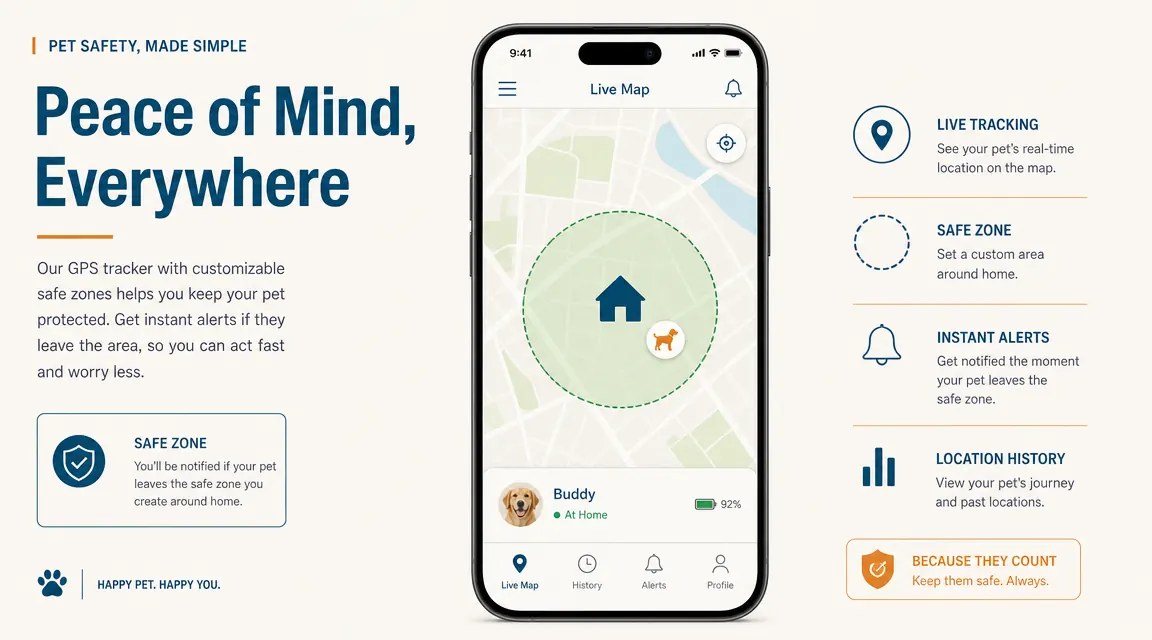
The safe zone feature is the part most new owners skip and then wish they had set up sooner. In the app, tap the shield icon or navigate to Safe Zones, then tap the plus button to create a new zone. You draw a circle or polygon on the map around your home, yard, or wherever your dog is normally allowed to be. Tractive lets you name zones, which is useful if your dog splits time between locations, and you can create multiple zones per tracker.
Once a zone is saved and active, the app sends you a push notification the moment your dog's GPS position exits that boundary. In testing this with Loki, I got the alert within about 45 seconds of him pushing through a loose board in the fence. That is not instant, but it is fast enough to matter. Set the zone conservatively so the alert fires before your dog reaches the street, not after. For a standard suburban yard, I recommend drawing the boundary about 20 feet inside your actual fence line to account for the GPS accuracy window.
Step 6: Calibrate Daily Use and Learn the App's Tracking Modes
Normal mode updates your dog's position every 2 to 3 minutes. This is the default and the battery-friendly setting. The map shows the last known location with a timestamp so you know how recent it is. For daily life, this is usually enough. You can see where your dog spent the afternoon, check their location before bed, and the safe zone alerts handle the emergency scenarios automatically in the background.
Live Tracking mode is the feature that makes cellular GPS genuinely different from AirTag or other Bluetooth-based trackers. When you tap Live Tracking, the update interval drops to every 2 to 3 seconds and you can watch your dog's position move in real time on the map. This is what you activate the moment you get a safe zone alert. It is also what drains the battery faster, so Tractive limits it to active use rather than making it the default. Think of it as an emergency mode that you turn on when you need it.
The app also records a location history you can scroll through by day, which shows where your dog went during a walk or how long they spent at a particular spot in the yard. I check this occasionally when Loki seems more tired than usual after a day outside. It takes maybe two minutes to set up a Google Calendar reminder to charge the tracker every four days, which keeps the whole system running without thinking about it.
What Else Helps After the Initial Setup
A few things I wish someone had told me in week one. First, keep your dog's profile in the Tractive app updated with their current weight and breed. The app uses this to contextualize activity data and vital sign readings if you use that feature. Second, add a household member to the tracker in the app's sharing settings so a partner or neighbor can also see the live location without needing your login. Third, make sure your phone's notification permissions for the Tractive app are set to allow alerts even in Do Not Disturb mode, or the safe zone alarm may never wake you at 2 AM when you actually need it.
If you ever get a location that looks wildly off, usually a dot that jumps to a different neighborhood or a location in the ocean, that is a GPS multipath error caused by signal bouncing off buildings or a momentary cell tower handoff. Wait 60 seconds and the position will correct itself. It happens once every couple of weeks in my experience and has never lasted more than a minute or two.
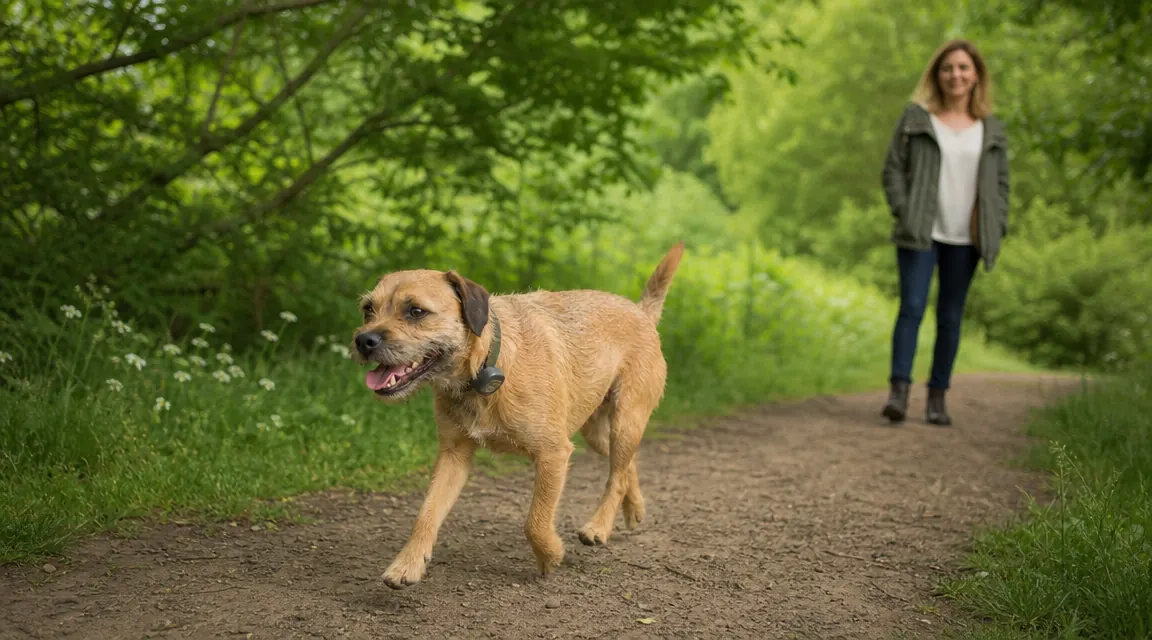
The Tractive system is not perfect. Battery life shrinks noticeably in cold weather, which is relevant if you live somewhere with real winters. The GPS position can lag by 30 to 60 seconds when your dog first comes outside from a building. And yes, the subscription is a real ongoing cost that you need to factor into your decision. What it does well, it does very well: it gives you a live map of your dog's location from anywhere with cell service, sends you a push notification if they leave your yard, and requires no special hardware on your end beyond a smartphone. That combination is genuinely hard to replicate any other way.
You just did the research. The only thing left is putting the tracker on your dog.
The Tractive GPS Dog Tracker is rated 4.0 stars across more than 4,000 reviews, works on dogs 8.8 pounds and up, and the app pairs in under ten minutes. Check today's price and current plan options on Amazon.
Amazon Check Today's Price on Amazon →